As I prepare for the next five years of study towards a university degree and continue writing books, I wanted a dedicated device for the sole purpose of studying and writing. I own a Windows Gaming Laptop and built a Gaming PC, which served me well. After all, I wrote and published my books and recorded audiobooks with those computers, but they can also be distracting. The name is in the machines, 'Gaming'. There's always a vice and temptation to sway my attention from tasks. I'm focused, so when it's time to work, I work, but I can't help but feel that there's a better solution.
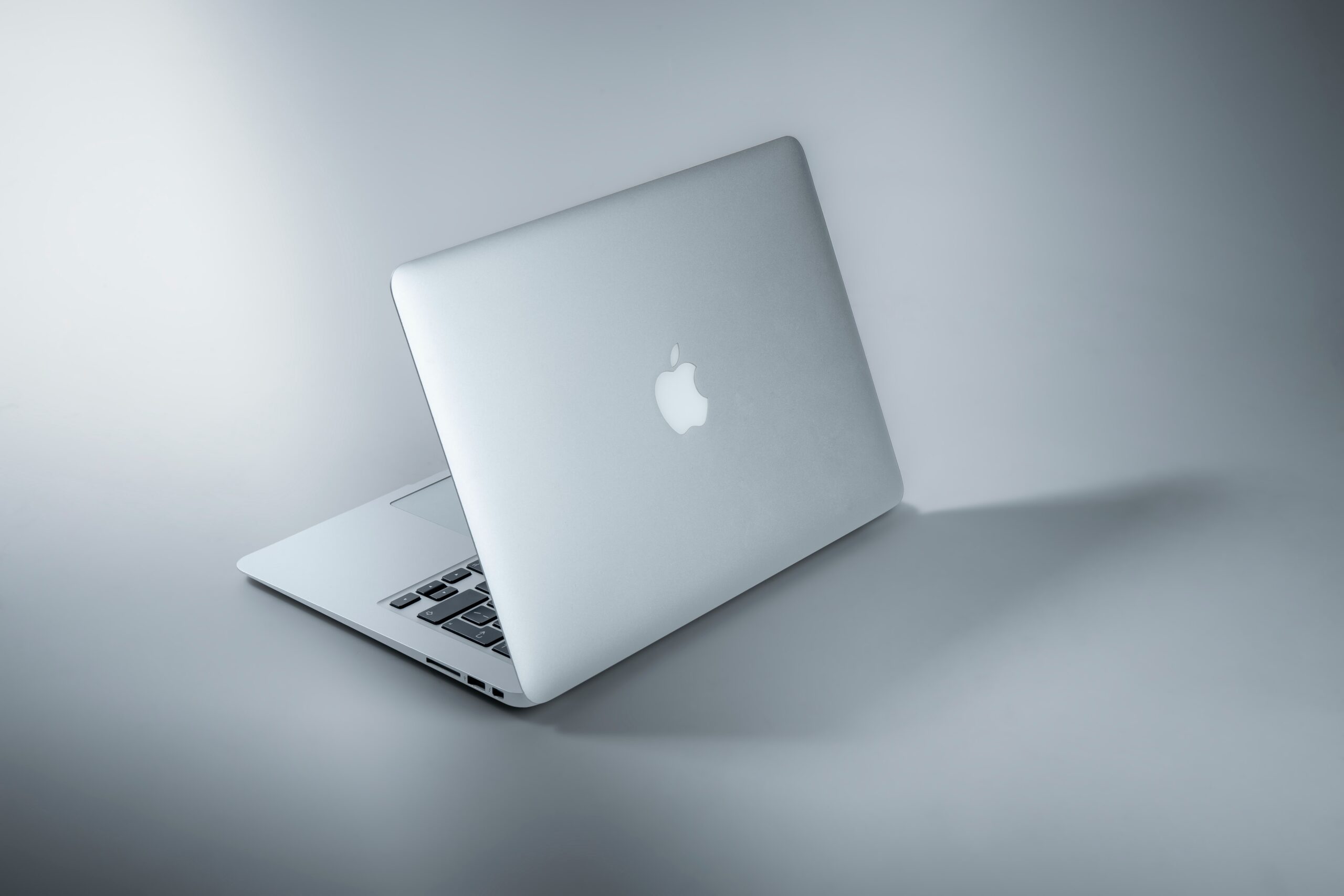
To avoid temptations, I decided to purchase an Apple Macbook. I've owned an Apple iMac in the past, but alongside a Gaming PC, it was too bulky and redundant, although a beautiful and streamlined computer. I'm already familiar with Apple products, but my knowledge of Windows PC is vastly superior.
Coming into the Apple stratosphere, after a prolonged period of ignorance towards their computers, required research and an open mind to consider all avenues, from new products to older used options. I had my mind set on the brand new Apple Airbook, M2 model, which retails at £1,249!!! An insane amount of money for a laptop that doesn't specialise in the extra features of a Gaming Laptop; those are expensive for a reason.
Apple products are expensive because of the brand, quality, and proprietary operating system eco-system. We need to understand that going in, and with that in mind, we can make informed decisions. Regarding raw computing power, a Windows device would almost certainly be more powerful for a similar price, but how much power do we need?
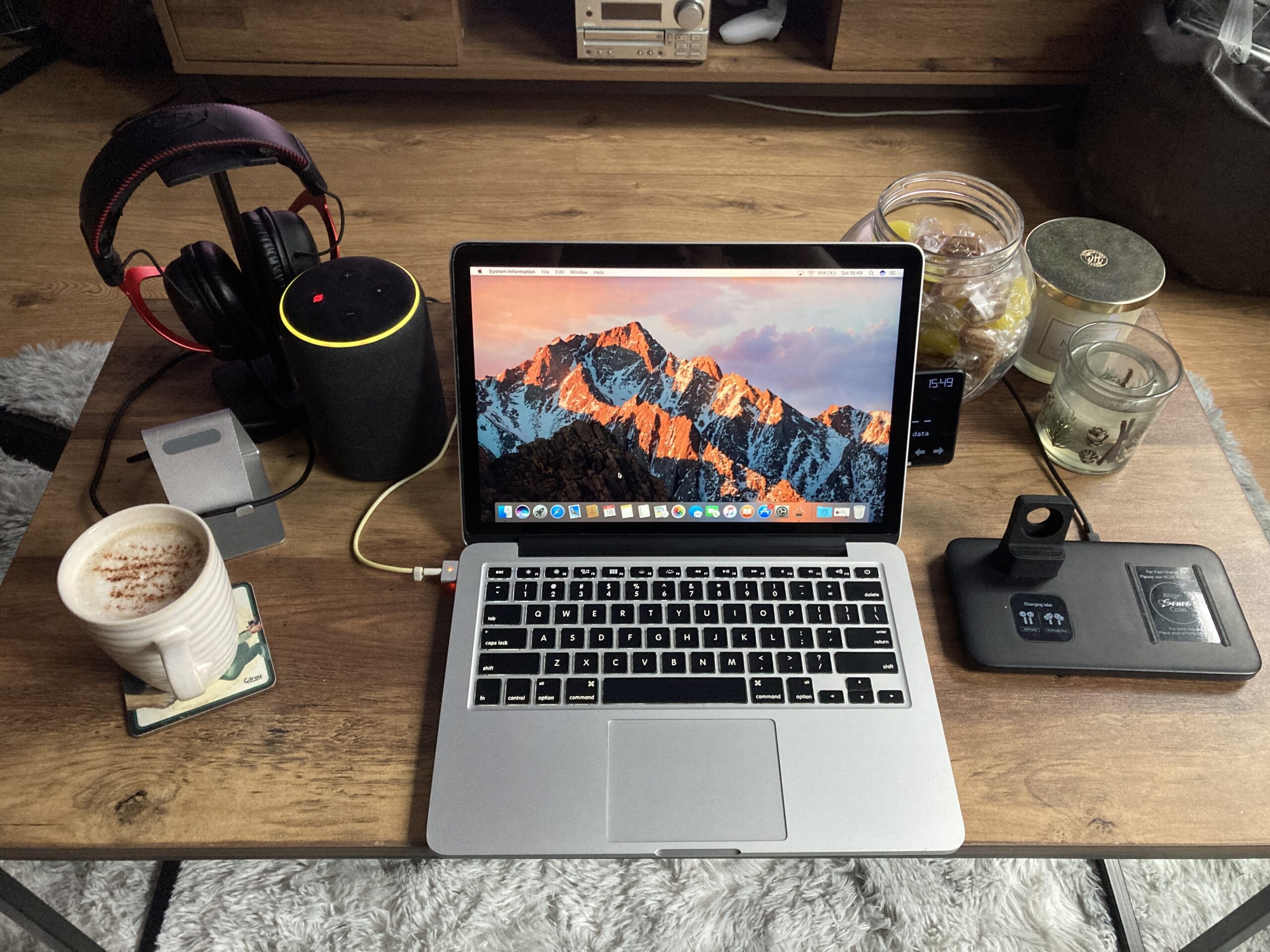
I already own powerful devices, so if anything, I'm trying to move away from the distractions of what they offer by toning it down so that when I'm using the device, my attention is solely on the tasks at hand. I've always been intrigued by typewriters; they're tools for a sole job, nothing more than for writers to type. It's in the name!
I wanted a laptop to be a typewriter equivalent. It doesn't need to be powerful but comfortable, seamless, and enjoyable to use. Apple's products are perfect for the task of writing with a beautiful and efficient operating system. Compared to Windows, OSX feels premium. Of course, that's subjective, but that's my opinion. Would I solely own an Apple product and not Windows? No, never. Apple locks freedom and user options behind their security and terms. We only need to look at the open-source nature of Android compared to iPhones to understand the differences.
My attention switched to which Apple product to purchase for my writing and studying needs? I decided that I preferred a laptop, so that ruled out the iMac. The options were an Airbook or Macbook Pro. An Airbook is lighter and less powerful but increased battery life. By contrast, the Macbook Pro is heavier, more powerful, and has less battery life. I knew I didn't need raw power, so the Airbook would be the better option, especially since they are also cheaper.
I have a strong knowledge of PCs and components. After all, I've built a Gaming PC, so understanding system specifications and configurations is easy for me, and I've noticed that novices struggle to understand the differences. Apple products are easier than Windows PCs to compare because they have annual upgrades, so the newer the release, the better the product, or at least more powerful.
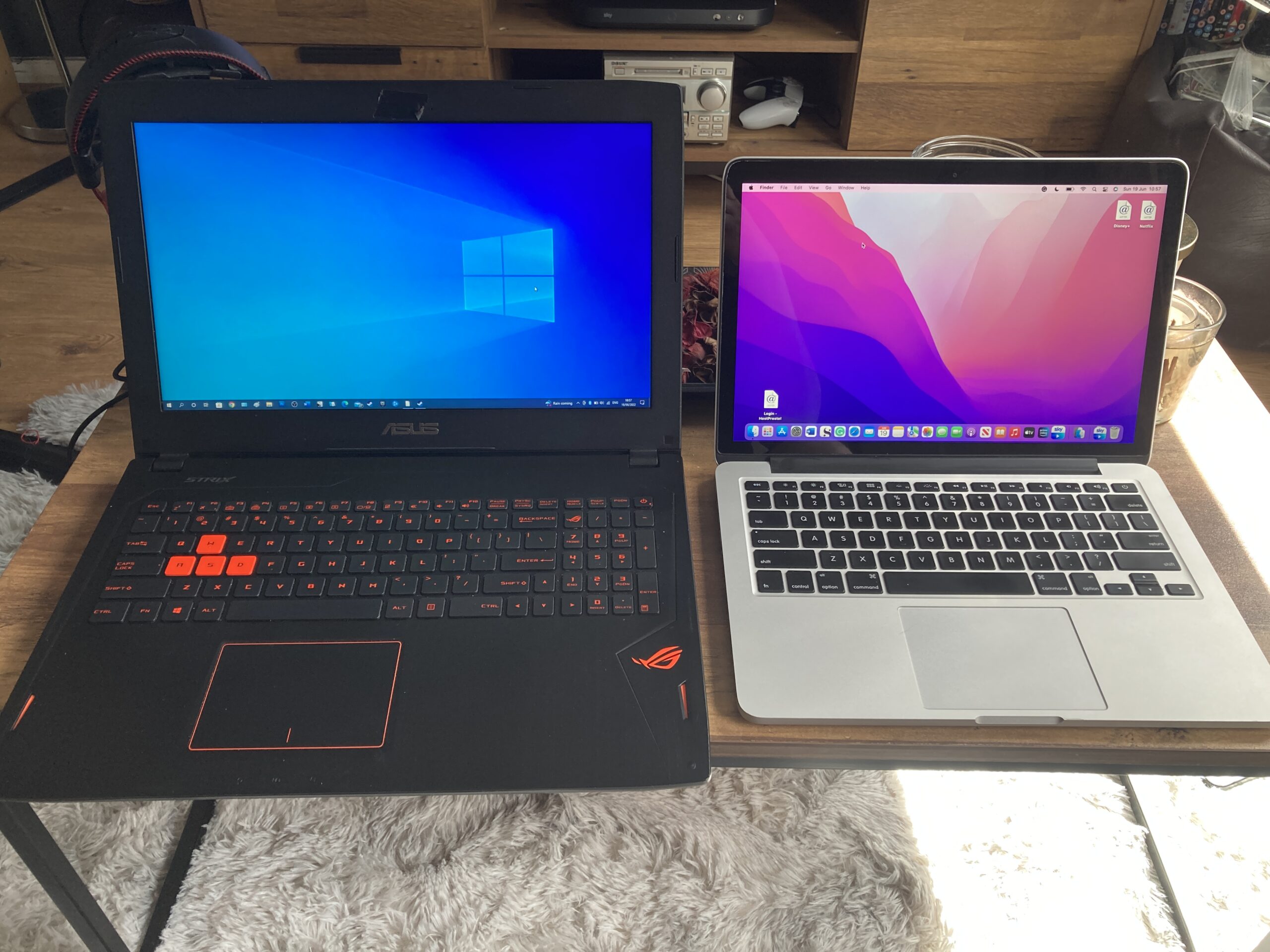
A 2014 Macbook won't be as powerful as a 2017 Macbook. So, when looking for used Apple products, focus on the production year more than anything else, but there are subtle differences. Apple allows buyers to configure their products at the point of purchase, so there are better configurations for the same year. For instance, someone may have upgraded the processor model and speed and memory from 4GB RAM to 8GB, 250GB HDD to 500GB HDD, and the screen to Retina, which is a pricey but worthwhile upgrade. In the used market, it's worth looking for the Retina displays for improved screen quality.
Something to note is that, like iPhones and iPads, Apple tend to discontinue support for older products, so apps and updates may become obsolete, rendering the device useless in future. In that regard, newer is undoubtedly better, but the price difference doesn't make it an easy decision. It's all well and good people recommending the latest and greatest, but it's an unaffordable expense for most people. Thankfully the used market provides viable options and is cheaper than you might think.
I was saving for the latest Macbook, but I opted to save a lot of money by researching past products. eBay and Amazon have many used and new products, so searching and deciding can feel overwhelming. I opted to purchase through Amazon because their pricing is fair and comparable to individuals on eBay, but their Renewed line, includes 12 months warranty to return the product. By buying from eBay, if anything goes wrong, you're stuck.
The renewed scheme through Amazon constitutes refurbished traded-in products. In the beginning, I stated a desire to purchase an Apple Airbook, but in 2022, I bought an Apple MacBook Pro 13in (Retina Early 2015) - Core i5 2.7GHz, 8GB RAM, 128GB SSD (Renewed) for £295. Mine arrived in mint, pristine condition, but rather than the 128GB SSD listed, it surprisingly had a 250GB SSD installed. More storage than listed, so I don't have complaints. After much research, it transpires that until the recent M1 model of Airbook, the core and chassis of the product line hadn't changed since 2012. My dates could be off, but you get the gist. However, from 2016 to 2019, or something like that, Macbook Air's and Macbook Pro's had worse keyboards than before. I'm not sure of the actual problems; I think the keys were breaking, harder to press, and making more noise. As a writer, and the reason for wanting an Apple product was to be a typewriter equivalent, the keyboard quality is of utmost importance.
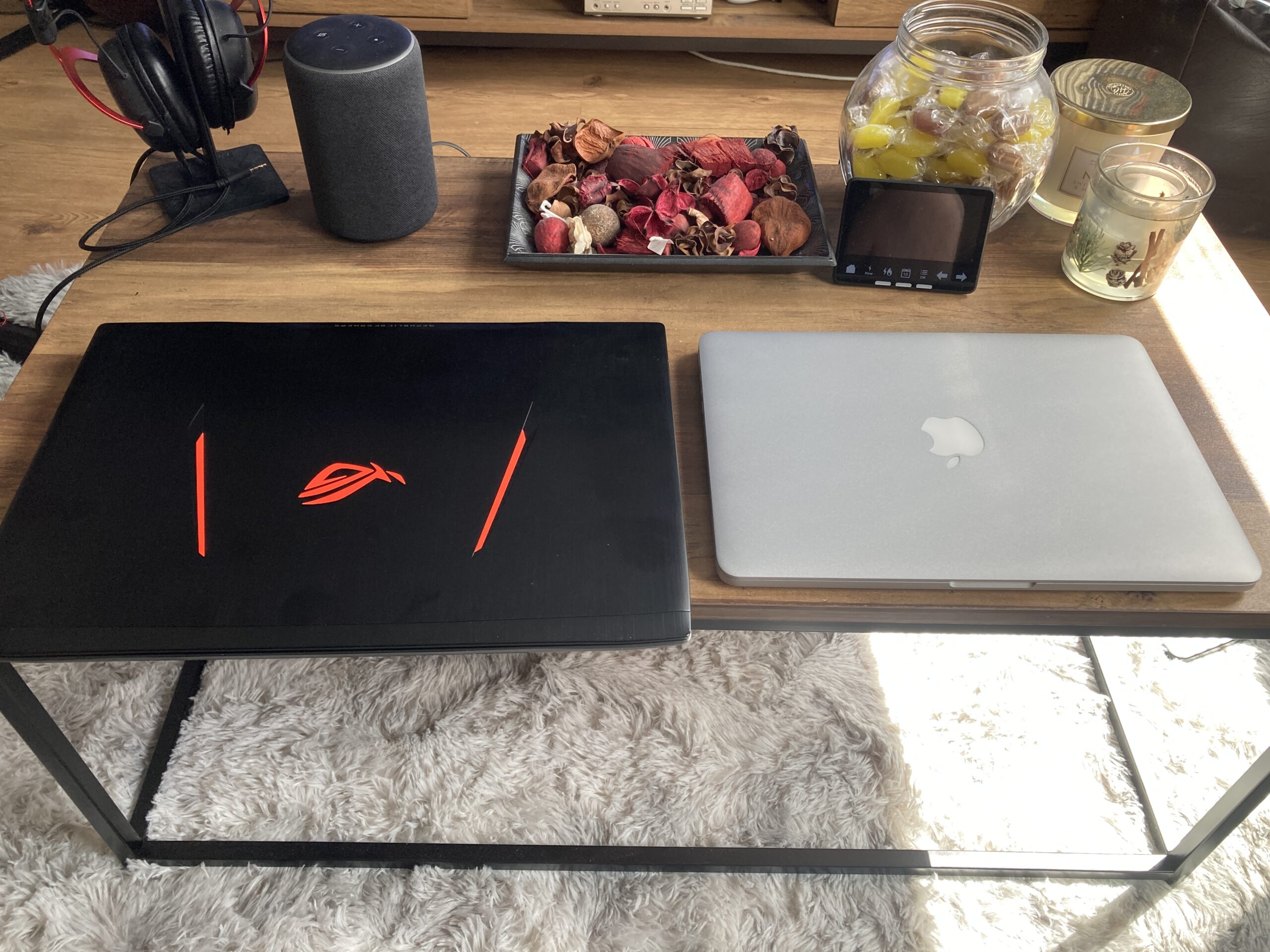
To consider a Macbook would require me to compare the Macbook Pro (2015) or a Macbook Air (2017). I narrowed the options to either of those or save up for the M1 or M2 model Airbook. As a student, Apple provides £100 off new products. But even so, they're too expensive, at least for now. My desire to spend needs to be in alignment with usage, so it's a costly gamble to buy a premium product when there are cheaper viable options, especially as I already own other more powerful devices.
I chose the Macbook Pro because it has a superior keyboard, faster processor, and Retina screen, which only cost £20 more compared to a non-retina model. It has speedier SSD storage compared to older, slower HDD. I didn't mind the small 128GB storage as I only want it for word processing and web design. Nowadays, opting for 8GB RAM is a wise choice. 16GB is useful in a gaming setup but not essential for an Apple device, while 4GB RAM is not enough. Systems lag with less than 8GB, making the user experience worse.
I only wanted to spend between £300 and £400, anything more, and I may as well save for the newer models. To put my purchase into perspective, as I stated, buying a new Apple product garners a £100 discount, and I may be able to recover £200 from the University for some of the cost of study materials. A £1,249 laptop, with the Apple and University discounts, in the end, would still be nearly £1,000, the previous M1 model would be £700, and the £300 model I purchased may only have cost me £100 by October!
All Macbooks do the same thing, regardless of age. However, some perform faster and have improved designs and features, but they all work, providing access to the Apple OSX system.
Avoid purchasing pre-2015 Macbook models. Core 2 Duo processors and HDD are signs that the system is too old. If the system has an i5, 8GB RAM, and SSD storage, it's a good purchase, an i7 is even better, but everything depends on the condition. Used products have an inherent risk of scratches, marks and damage. Paying a little more for better condition is worthwhile, so shop around and scrutinise photos and descriptions for issues. Also, ensure that a mains charger is included as many sellers seek to profit by selling separately, but without a charger, your costs increase by needing to buy one.
System Specs
For clarity, and comparisson below are the systems specs for my Gaming PC, Gaming Laptop and Apple Macbook Pro.
Gaming PC: (End of 2020)
27" 3840 x 2160, Windows 11, Ryzen 5 3600 @3.6GHz (6 Cores), 16GB RAM, 1TB M.2 SSD, 250GB SSD, 2TB HDD, GTX 1080 8GB
Gaming Laptop (Asus ROG G502VT) (2016)
15.6" 1920 x 1080, Windows 10, Intel i7 6700HQ @2.6GHz (4 Cores), 12GB RAM, 250GB M.2 SSD, 1TB HDD, GTX 970m 3GB
Apple Macbook Pro (Early 2015)
13.3" 2560 x 1600 Retina, Intel i5 2.7GHz (2 Cores), 8GB RAM, 250GBGB SSD