When I purchased a 2015 MacBook Pro in 2022, it wasn't to play games but focus on writing, and performing basic tasks. However, I became curious about its potential and what could be accomplished beyond the obvious. It turns out that with little effort a modest 7-year-old MacBook is capable of playing the latest video games without fancy hardware or consuming storage space - but there's a catch.
The solution to play video games on old hardware isn't unique to a specific model or year MacBook, but also Windows laptops, PCs, mobile phones, and tablets. It goes to show that old, doesn't mean redundant or useless. By being inventive we can breathe new life into something dated.
Xbox Game Pass
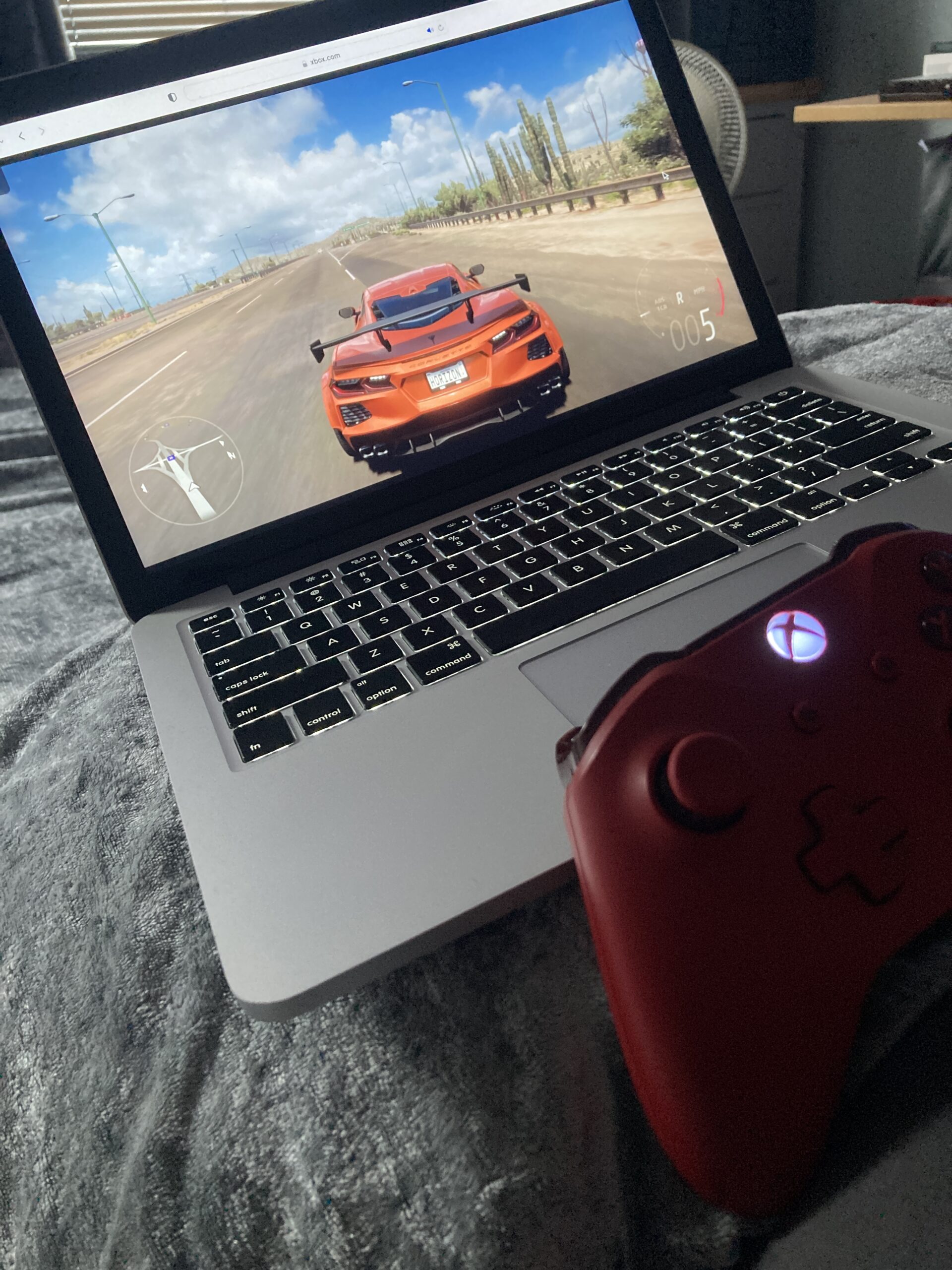
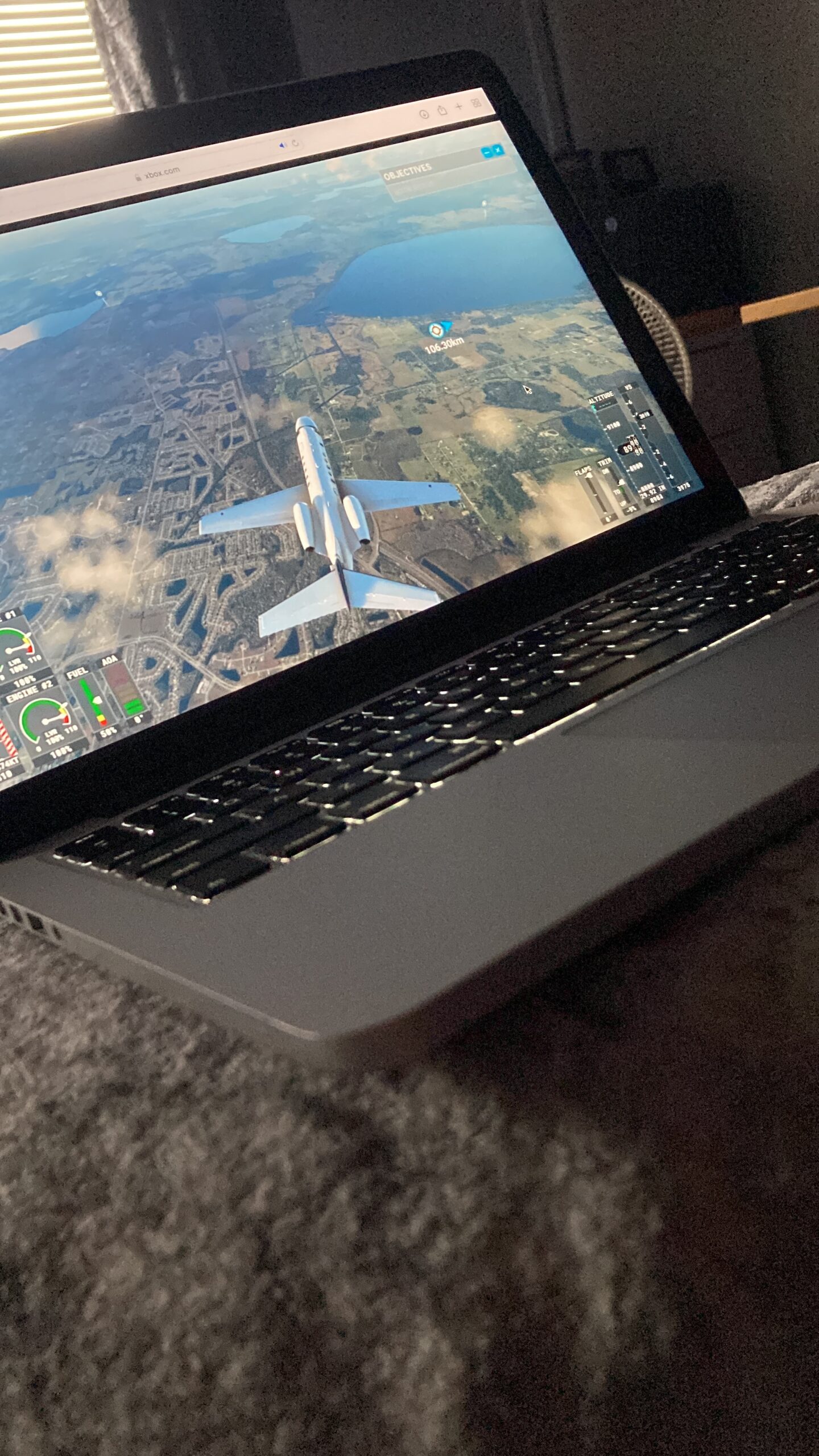
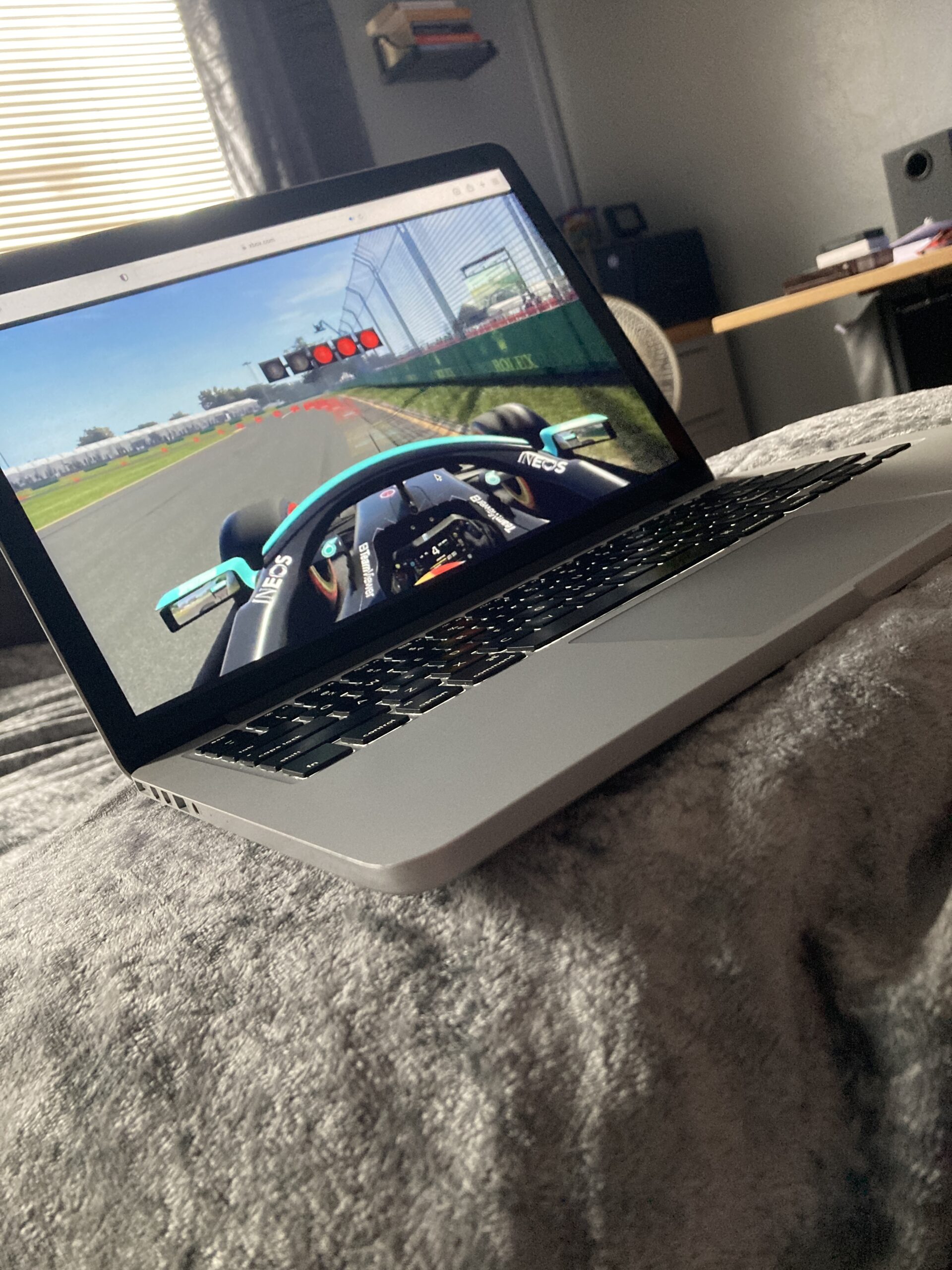
Sadly, there's no application available on Macs to play Xbox games, but Xbox's solution is to log into the GamePass website through a web browser, and from there, games can be streamed directly from the Xbox servers. The positive is that the service seems more reliable than in the past, and has higher graphical fidelity.
As games are played directly from Xbox, rather than a physical home console, they are immediately available and up to date, so no long load times, or files to install, it's simply press launch and play swiftly.
An added bonus is that anyone wanting to play Xbox games doesn't necessarily need to buy and own an Xbox games console. Game Pass is a subscription service, and using cloud gaming requires the premium £10.99 a month option which also has perks to redeem, and free games to own for Xbox owners. New subscribers often get a discounted first month for just £1.
So, if a household doesn't own an Xbox console, or has multiple users competing for game time, cloud gaming is a wonderful solution to play games without needing physical hardware or owning any games. All that's required is a modest device with a web browser and a controller, and an active subscription to the GamePass service, and that's much cheaper than buying an expensive console.
PlayStation Remote Play

Unfortunately, there's no support to cloud stream PlayStation games through the PlayStation Plus Premium service on Mac. So, to play PlayStation games requires a physical PS4 or PS5 console connected to the home network, and players must either own games or have a subscription to PlayStation Plus. However, Windows PC users, do have the luxury of cloud gaming without the need for a physical console.
I own a PS5, so to have the ability to play the games portably on a light device such as a MacBook is refreshing compared to being static in the same location on a TV. Playing remotely frees up the television for others to watch, or multi-task with programmes playing in the background.
The service is reliable, but fast-paced action can be hindered by minor stuttering. Remote Play is available for many devices, and applications can be downloaded and installed from the relevant platforms storefront such as the App Store for iPhone, but Macs and PCs require a direct download from the official PlayStation website.
A limitation with remote play from a PS5 console is the need to use a PS5 controller, but in hindsight, it makes sense as games require adaptive triggers, which Xbox controllers lack. The PS5 controller connects to the MacBook through a USB cable. Switching to wireless turns off remote play reverting back to TV mode. So, it's possible to switch between MacBook and TV with ease.
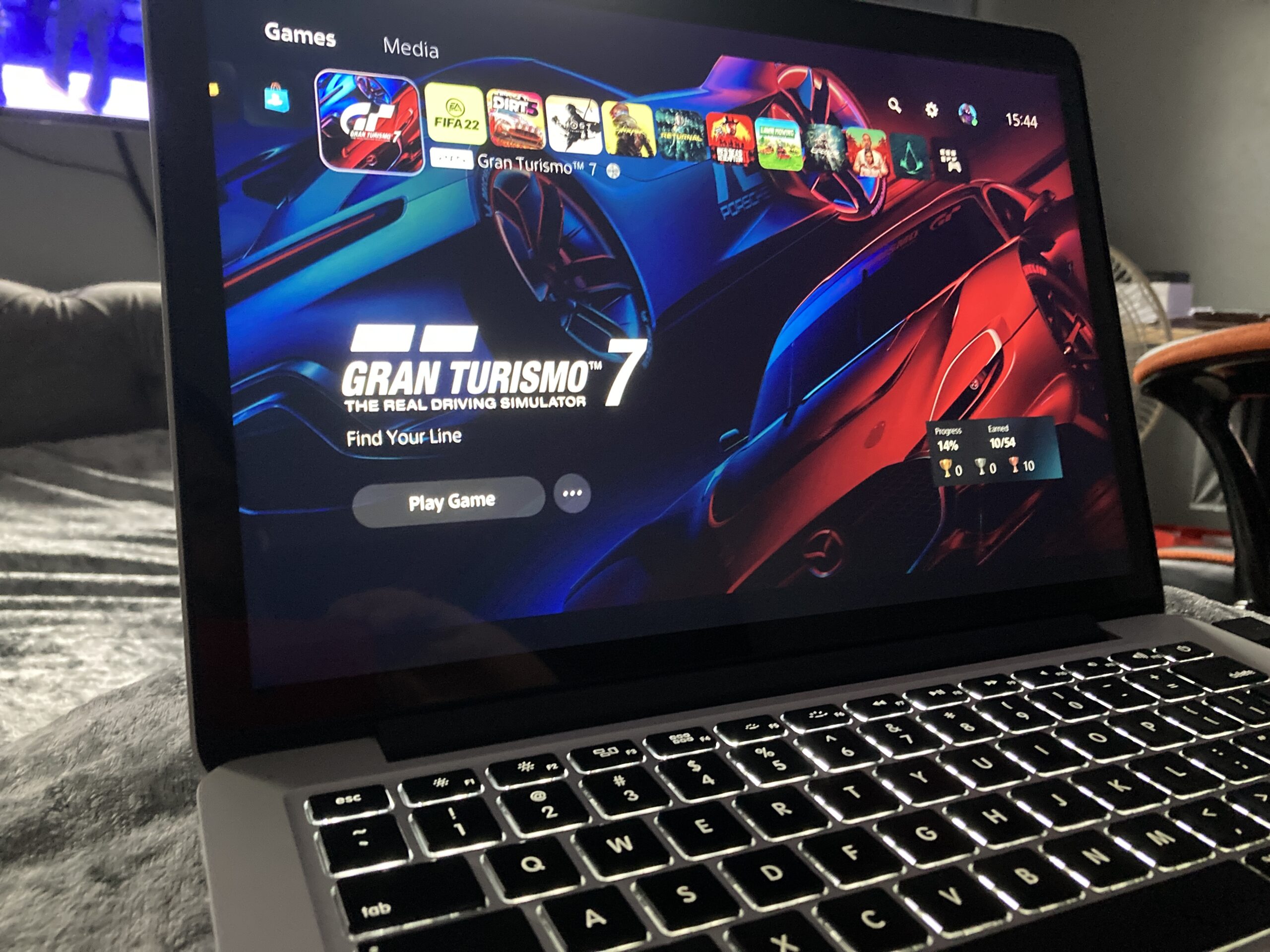
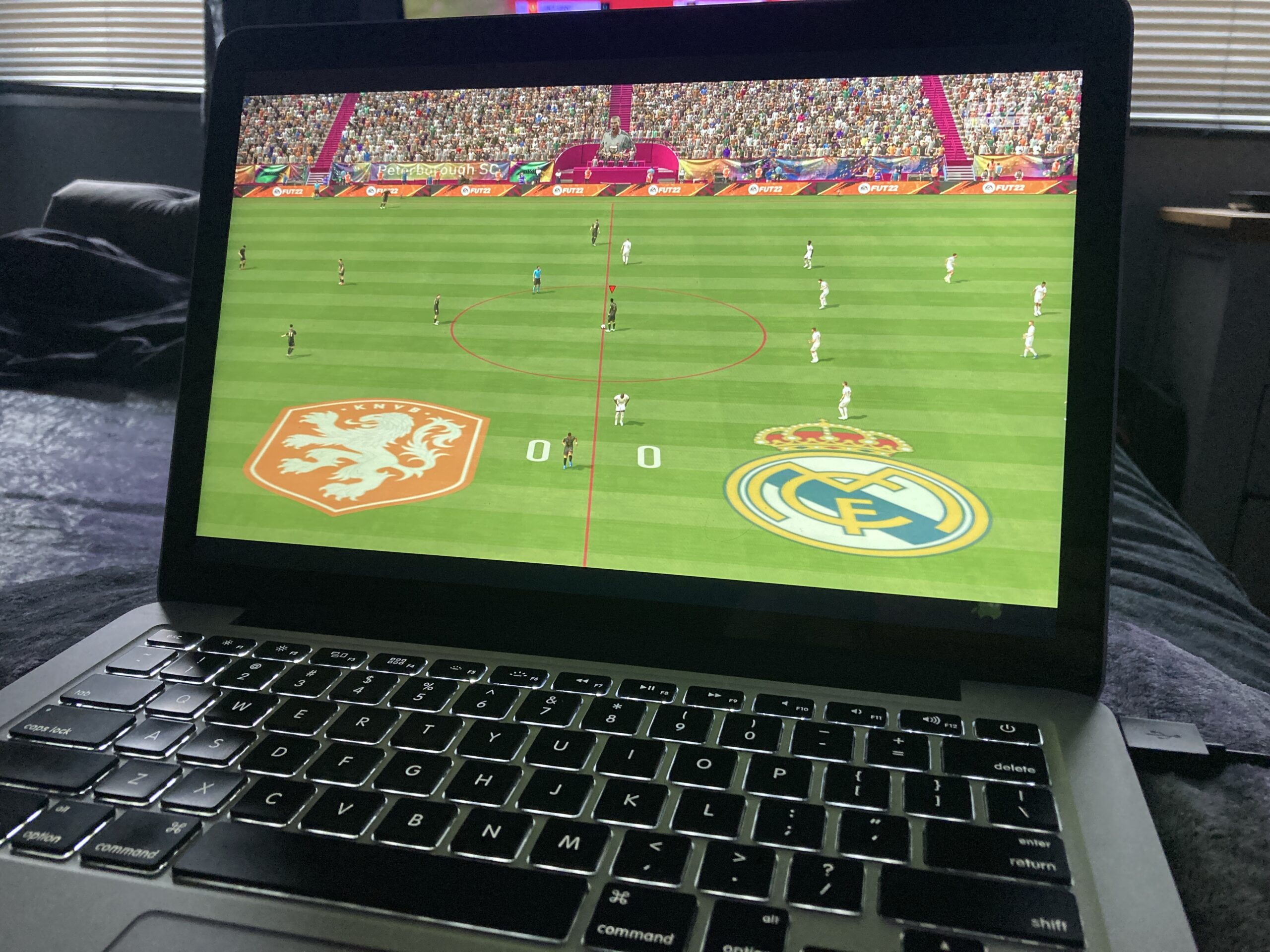
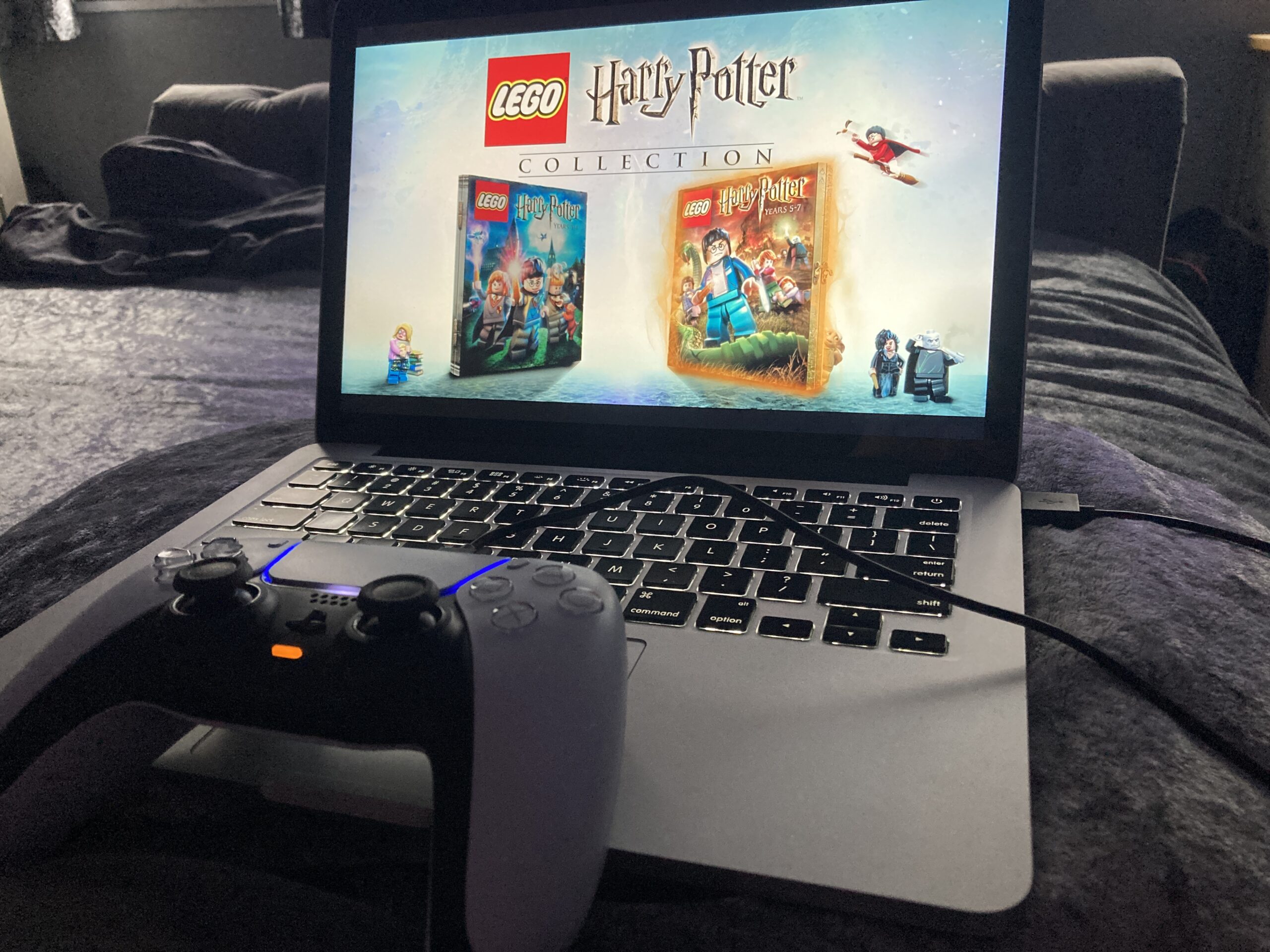
I tested Xbox Game Pass and PlayStation Remote Play, to play Xbox and PlayStation games on the MacBook Pro, and they played remarkably well, with only slight performance drops.
To play Xbox games via Game Pass on a Mac utilises a cloud-only service with games streamed from Xbox servers rather than a physical console in the home. Although like PlayStation there may be a remote play option to play from your console on another screen, such as a laptop, but I don't have an Xbox to test.
To play Xbox games on a MacBook requires a monthly £10.99 subscription to Game Pass Premium, while cloud gaming isn't available for PlayStation games on Mac. The only alternative is too remote play games for free directly from a PS4 or PS5 console connected to the home network.
Which option is more expensive depends on the individual's circumstances. If you own a compatible PlayStation console then it's free to use the remote play feature, but if you don't own a console, then Xbox Game Pass is a relatively cheap subscription offering a bounty of games, which are always up to date, with no installs required, and they instantly launch. If you're fortunate enough to have both options then the MacBook transforms seamlessly into a gaming powerhouse.
If we explore further, it's possible to remote play from a Gaming PC too, just install the Steam Link application, but a physical computer would be required, and most people familiar with PC Gaming would prefer to sit at the desk and immerse themselves with a full set-up, however, it's possible to play portably at home, just like the PlayStation.
Conclussion
I own a PS5, a Gaming PC and a Gaming Laptop, however, the laptop is showing it's age. It's more powerful than the MacBook Pro with dedicated GTX970m graphics and an i7 processor and capable of running pre-2020 games on ultra settings, but modern games tend to drop to medium/high settings. Whereas the MacBook would struggle to play anything demanding, even on low settings.
The laptop is heavier than the MacBook, and battery life is poor, and it needs to be plugged directly into a power socket to play games. In comparison, the MacBook has a decent battery, with hours of active use, and is far more portable and practical compared to the bulky gaming laptop.
Remote play and cloud gaming make it possible to have a gaming experience that replaces a gaming laptop, especially older models. I've been actively downsizing and streamlining my gaming experience, and these services simplify and remove the need to have dedicated devices, so we can do more with less.
I no longer need the gaming laptop. I can play PC games from the sofa, rather than a desk, PlayStation games on the bed rather than the living room TV, and Xbox games without owning an Xbox console. It's remarkable to think how much the gaming experience improves through the invention of new services, which provide more freedom and flexibility in how we choose to enjoy and play games.
Cloud gaming is the future, and remote play is a good alternative, so either way, old hardware can be every bit as good, and if not, even better than more powerful dedicated hardware. How you choose to play, is up to you.