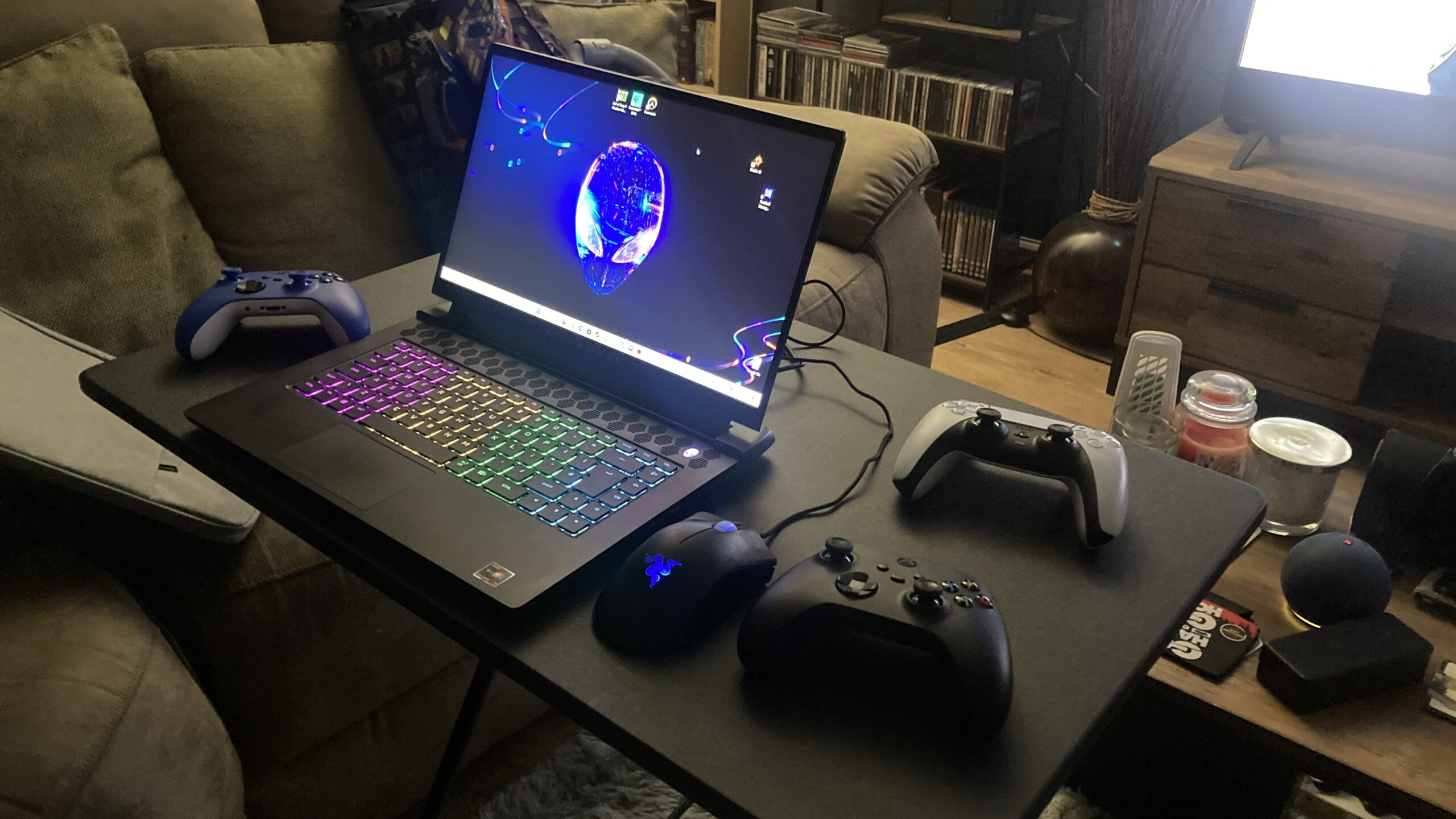
I didn't need to buy a more expensive system, or throttle the component's speeds; instead increase fan speeds
I recently downgraded from a powerful, high-end gaming desktop PC, to a gaming laptop. There was a mirage of reasons why I wanted to change, but the process started with me buying an Alienware M15 R5 RTX 3070 gaming laptop to compliment my main RTX 3080 Ti PC by providing portability and an alternative to being stuck at a desk. Inevitably, I found myself torn between the two. When I used one, the other seemed to be an expensive waste of money, and so the option of owning both seemed pointless.
The dilemma, of course, was which one do I keep, and which to sell. The laptop was a recent purchase, and whilst expensive, the desktop computer was vastly more powerful and subsequently more expensive, and I'd lose the most money selling it. As the Alienware laptop was recent I could recuperate the same money spent or maybe, even, profit a little, as I bought it for a decent price of £1,000 used, but new it would've likely cost closer to £2,000.
I know I've digressed, and gone off-topic, but I wanted to provide context as to why I own, what I do, and how I overcame an issue, others may have too. Calculating the cost of the PCs purchased parts concluded that I had spent £1,895 on the desktop tower alone! That's not including a monitor, keyboard, or any peripherals or accessories. It was merely the base computer.
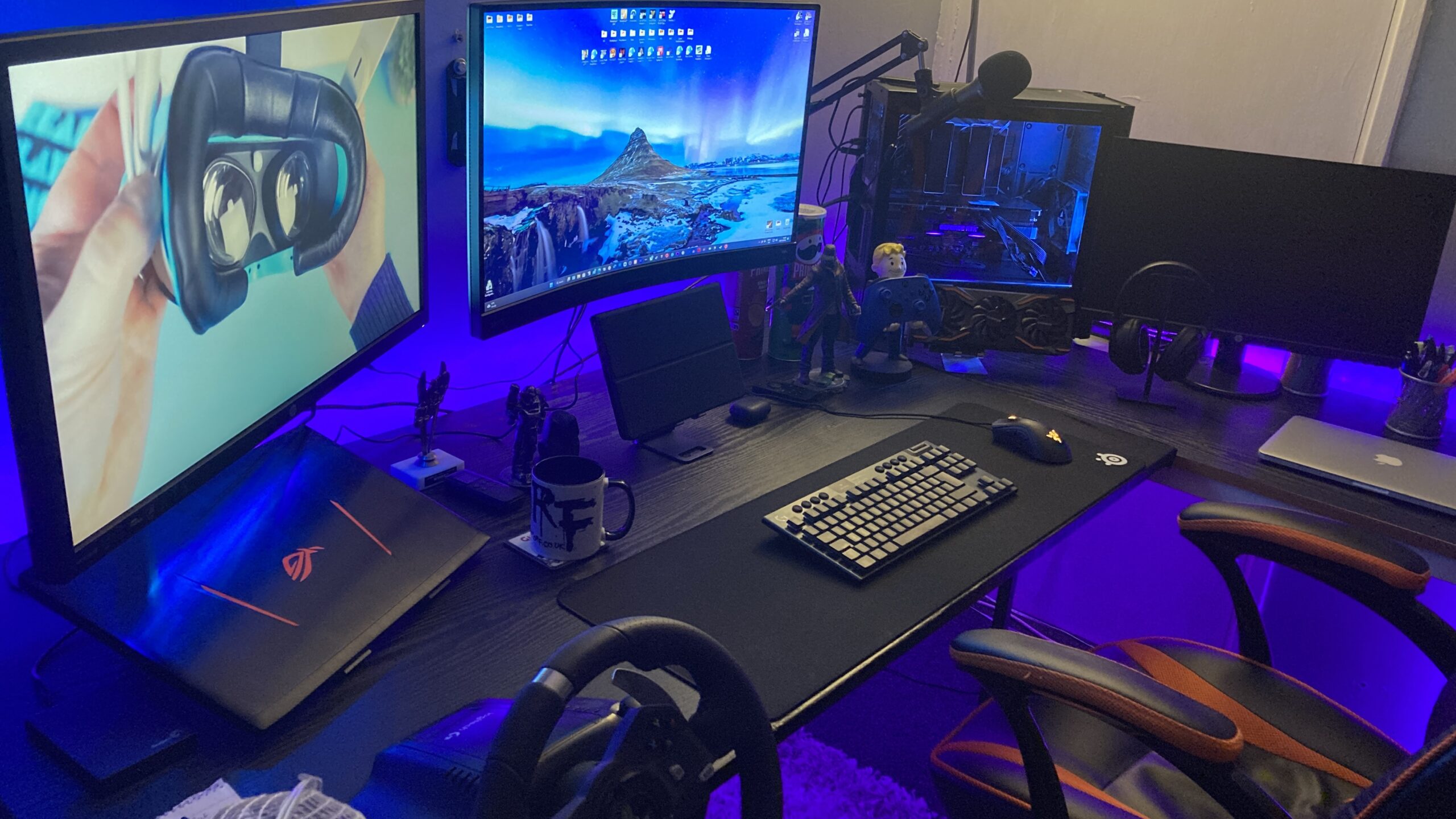
Of course, I couldn't sell something used for the same price I paid for the parts new six to twelve months earlier. I listed the computer for £1,400 and it sold for £1,300. Not a bad piece of business, but believe me, up until the moment the courier collected it I hesitated and felt like canceling the sale and refunding. I loved it that much. It was so powerful, I never had to worry about anything, but I saw sense. Was the computer so much more powerful than the laptop that it was worth £1,300 to keep it? The answer was no.
The Alienware laptop was mid-tier and more than capable of playing all modern games. I considered future games, but at the time of writing, there isn't much to look forward to, that would be technologically ground-breaking, and any more demanding than they are now. And, so, I sold the desktop PC, with some hesitation and a moment of regret, however, I knew that it was for the best, and the buyer was thrilled with their purchase.
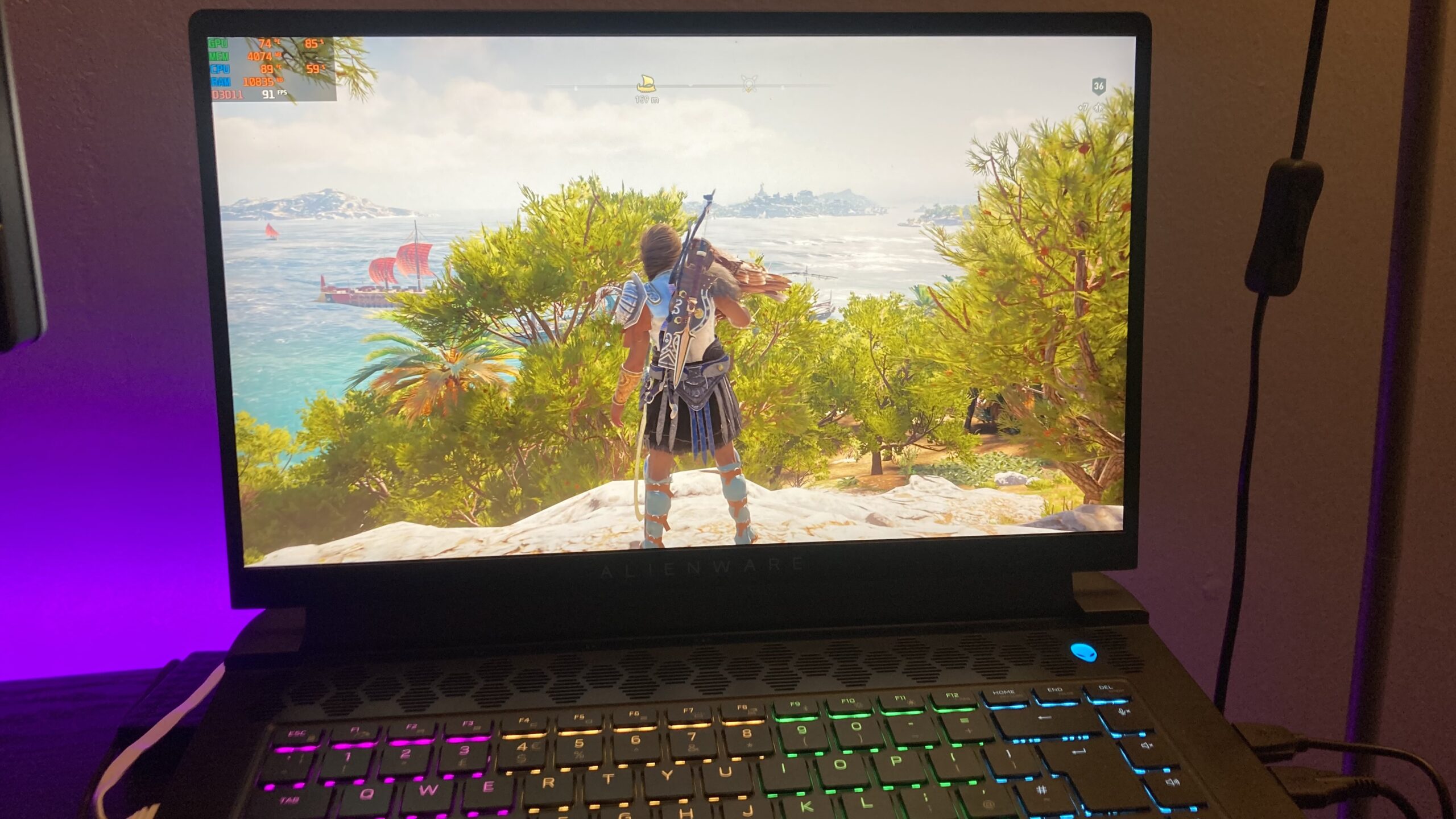
I like to optimize computer systems and get frustrated when I'm unable to get the most out of them. At the most basic level, I desire a smooth gaming experience. The Alienware had been performing admirably, albeit significantly less than the desktop, however, that was to be expected. On average, the difference was around 50 fps less per game, which was still good. The likes of Assassin's Creed Valhalla, at 1440p, ultra, maintained a smooth 80-100 fps, and no games had any particular slowdown. A big difference between the systems though, was VR. On the desktop I could play Microsoft Flight Simulator in VR, and even without it, it was a smooth experience. The laptop can play the simulator at around 70-55 fps, with drops into the mid-20s whilst flying close to ground-level, however it couldn't run VR, without bringing the entire system to a stand-still.
I sold both, a PS5 and Xbox Series X games console a month before. It wasn't just about the money, it was a lifestyle choice. I felt the desire to experience more, with travel and adventures. Fixed gaming devices served a purpose when I needed them, and they provided countless entertainment, but now I needed freedom, and downsizing enables me not to be confined to a single location.
I needed the laptop to function perfectly. Having it working at a reduced rate wasn't an option. Along with VR, it was the last gaming device I own. It had to work and work well. I must've spent an hour at least, navigating every option, from within games, to device settings in pursuit of getting the most of the laptop. It was evident early on that it wasn't due to a lack of hardware resources, but thermal throttling. I noticed that the CPU usage was often around 50% and the GPU would either max out at 100% or sometimes be similarly low like the CPU. If the processor isn't performing properly, then it's unable to provide optimal frame rates.
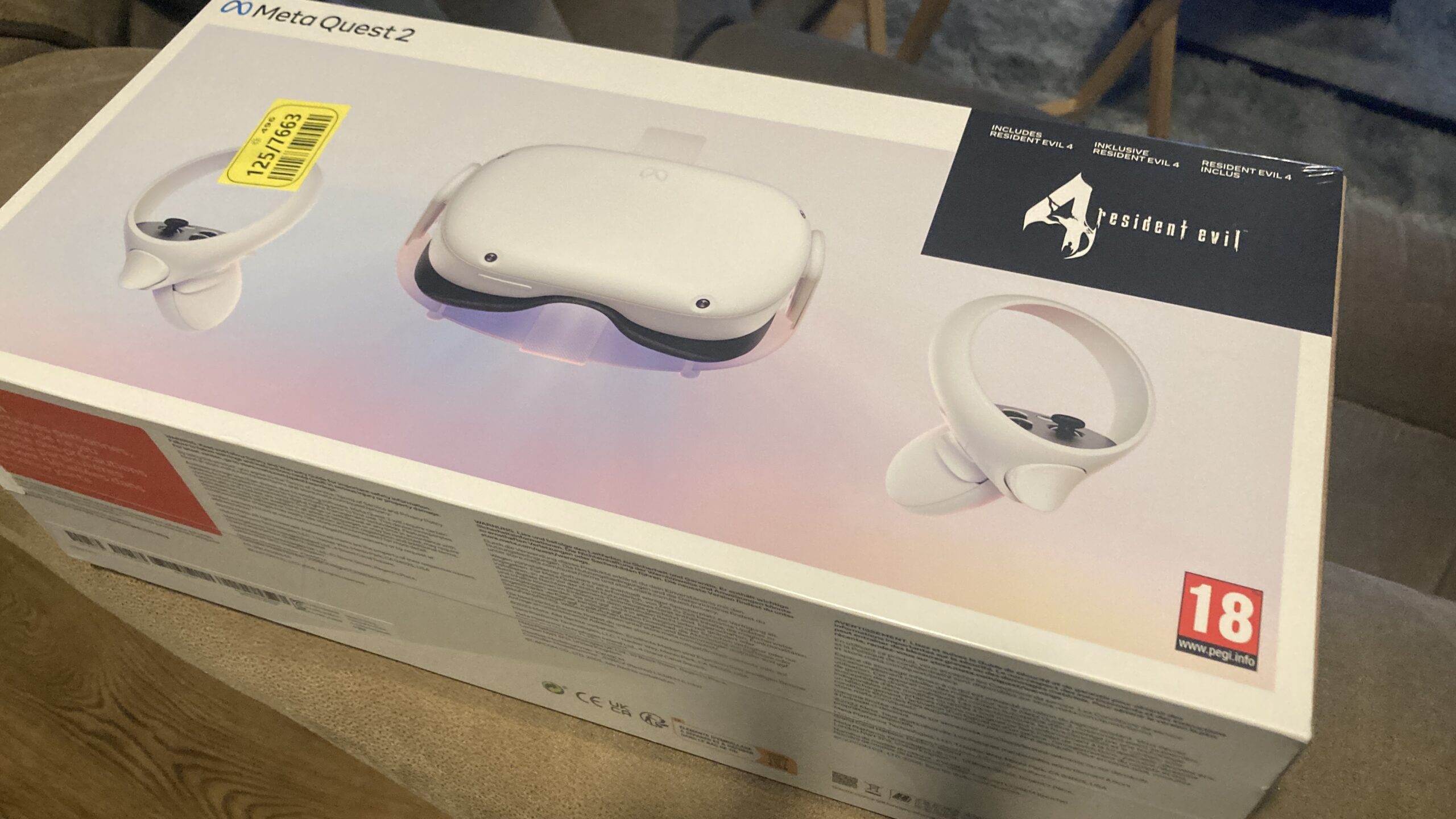
I was aware of what to expect when I sold the PC. I knew VR would mostly be confined to the Meta Quest 2s built-in games, rather than linking it to the PC. It was frustrating as VR on top-tier games was immersive, but the side-effect is often feeling sick, so I enjoyed the experience and moved on.
Imagine my surprise and frustration after selling the desktop PC, to find the laptop stuttering through games it had previously been capable of playing. I was concerned and had a moment of contemplation, about whether to build a new more powerful computer than before, or sell the current Alienware laptop, and buy a higher-spec model. I'd spent vast amounts of money, maybe recklessly for six months on feeding my gaming obsession. Part of my selling the computer, was me addressing the habit, and recuperating some of the money lost. It wouldn't be wise to invest £2,000 again into gaming. I've learned my lesson, and I'm finding a better balance, that doesn't require as much financial investment.
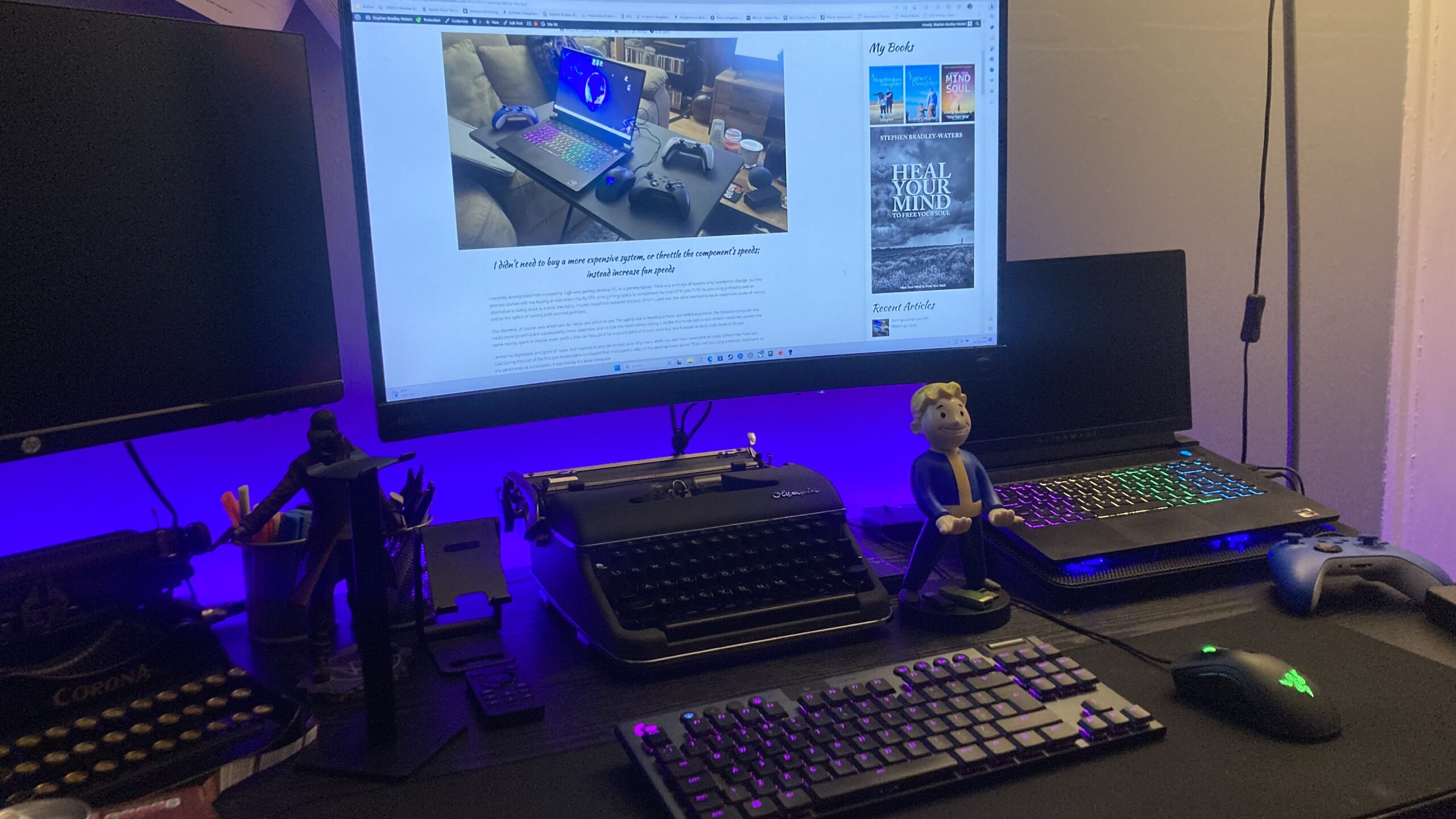
I know the Alienware laptop, was hardly cheap, but it will last a couple of years, and when it's time to upgrade, I'll likely recoup at least half what I paid, so although a costly purchase, it wasn't foolhardy. It's an impressive brand that maintains value compared to other brands. Actually, I sold the PS5 and Xbox Series X after buying the laptop, to cover the outlay spent. So, I've sacrificed and won. The PC sold, I gained, and I still have parts I could sell such as a beautiful 27" BenQ MOBIUZ EX2710R 165hz QHD HDR curved monitor and a Logitech G915 tenkeyless wireless keyboard which I connect to the laptop, operating it as though a desktop computer.
The BenQ monitor is the same screen resolution as the laptop but it's a larger screen and wall mounted so it has the perfect height position for extended gaming and web browsing sessions. As impressive and expensive as the BenQ monitor is, it's not as good as Alienware's 240hz laptop panel. Maybe it's because the screen is smaller and the pixels are condensed closer together, but either way, the screen is remarkably vibrant and clear. It's the best screen I've ever used, and that's saying something, as the BenQ is highly regarded by many. I also own a Logitech G920 wheel and peddles, and my old Asus STRIX G502VT i7 970m gaming laptop. If I want to downsize and sell further I could, but at the moment everything continues to remain useful, and I don't want to make decisions I may regret.
To put everything into perspective, my Alienware M15 R5 RTX 3070 laptop is the equivalent of an Xbox Series X. My old Asus ROG STRIX 970m gaming laptop was a PS4 Pro equivalent, and the desktop PC I sold was as powerful as combining two Xbox Series X consoles together. At the time of writing the Xbox Series X is the most powerful games console ever created, so the desktop PC was the equivalent of an entire future console generation that doesn't even exist yet!
To push the performance limits both the Graphics Card and Processor should be able to reach 100% of their performance. For either, or both of them not to, meant that the temperatures were so high that to avoid damage or shutdown the system had to stop pushing the components. They had reached the thermal limits of their integrity. So, it wasnn't a simple battle of altering settings, but finding a sweet spot, and getting the high temperatures under control.
Depending on the device, various options can be altered. The Alienware M15 R5 RTX3070 had no fan options within bios, and third-party software such as Speedfan, couldn't locate the components. For all intense and purposes, there was no fan controller to manipulate fan speeds. More often than not, manufacturers favour quiet fan operation, but for better performance, it's best to have the fans blasting continuously. I don't want a stuttering quiet mess. I want superior performance, and I don't care if the sound of a rocket engine is needed to improve speeds.
As stated earlier, it irritates me to not fully utilise a computer system. I want every ounce of performance that can be mustered. I knew that I needed access to the fan controller, but with one software application failing to identify it, and bios not displaying anything relevant I was becoming frustrated. Open Hardware Monitor is my preferred temperature monitoring software, and even that didn't display any fans, let alone the fan speeds. It was as though system fans didn't exist.
One option to reduce thermal throttling is to reduce CPU utilization within the Power Options of control panel. For instance, at maximum performance settings can be adjusted from 100% to something like 80%. However needing to do this makes owning high end components pointless, because if we're going to reduce performance, then we may as well own something cheaper with slower components. But, it is an option. The core clock speeds of the processor are reduced by altering from 100% to 80% which could allow more cores to be utilised at a higher performance, than they were when throttling occurred. It's worth noting that reducing processor performance for battery mode is ideal, because slowing it increases battery life. Gaming in battery mode isn't recommended, as the battery can't provide enough power for most games, so battery mode tends to be for web-browsing anyway which doesn't require high end performance.
Many people mistakenly blame the specifications of their devices for poor performance, considering that slowdown is through the limitations of the hardware, but regarding high spec'd devices, often the limitations are the cooling system, rather than parts not being good enough to perform.

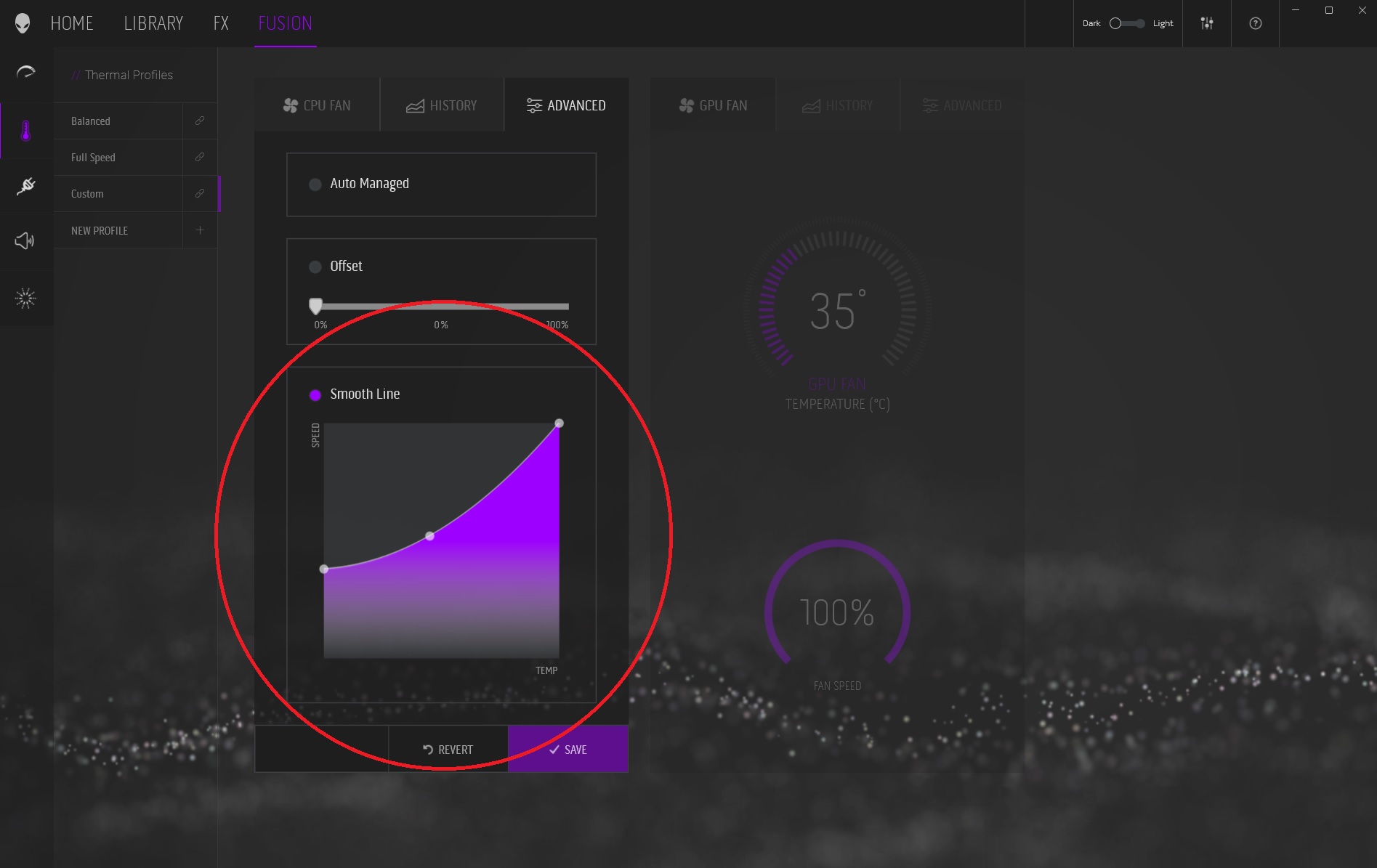
Each laptop or motherboard manufacturer can have unique features and software. For Alienware owners, it's the Alienware application. Not only does it control lighting, but also fan speeds and overclocking. I had looked through the application options but nothing obvious stood out. It was only when I took a deeper look into the options that I realised the auto option could be disabled and overridden with a customised configuration. It may seem obvious now, but I was thrilled when I managed to get it working.

Initially the changes made didn't save as default, even though it seemed to indicate that it was with a highlight marker next to the newly saved feature. Instead, I had to alter the defaults on the home section of the Alienware Application to activate the custom fan configuration. Gaming performance stabilised and frame rates improved, with higher graphics settings. I didn't need to buy a more expensive system, or throttle the component's speeds; instead, increase fan speeds.
Assassin's Creed: Odyssey was a particularly frustrating game before I addressed the thermal issues. My laptop has a beautiful crisp 1440p, 240hz screen, and no matter what I tried; lowering graphics settings, and modifying screen resolution up and down; nothing changed, aside from sometimes getting worse. Some people complain too much about high operating temperatures, but high performance parts generate heat, and when placed into compact devices - heat ensues. That's just basic physics. The point isn't to expect temperatures to be cold - that's not going to happen, but ease them enough to increase performance and frame rates. Effectively operating temperatures will be the same or similar, but with improved performance and stability by extracting more out of parts that were previously throttled. So, we're not cooling components to keep them cool, but cooling them to make them continue working harder.